Using Git to Keep Obsidian Notes Synced
Why Obsidian?
I've recently switched from using the OS included notes apps on my various devices to Obsidian. I really like Markdown for taking notes, it has enough formatting power for what I generally need, and the syntax is simple and intuitive enough that I don't need to constantly interrupt my train of thought to look up how to do something. While Obsidian is free to download and use, it's not open source software. Its only major paid feature is syncing between devices, which costs about as much per month as a PBR at my local dive. But also, Markdown is just text in a folder. I probably don't need to pay that just to share my files between my phone and my laptop. Here's the method I used.
My Stack
My choice of method is informed by the software and hardware I already use. My laptop runs Windows, and I have an Android phone. I also already have a GitHub account, which is why use that as the intermediate stage. You might be able to do some of the file stuff through some kind of graphical file manager, but since I'm pretty familiar with the Linux terminal, I use the Termux app, which gives you a bash prompt on Android. You'd probably need to do something different if you had an iPhone.
What I Did
I downloaded the official Obsidian Android app from the play store. (A real terminal-heads could skip this step and just have a directory of Markdown files to edit in Vim on Termux, but at that point why not just use Vim everywhere.)
Once you download the app, you'll be prompted to set up a vault. If you've got an existing vault to sync, give this vault the same name. The app will give you a choice between "device storage" and "app storage". Choose "device storage", since it means you'll be able to access your files from outside the app itself. By default, the Obsidian app puts its files in /storage/emulated/0/Documents/vault_name, at least on my phone. You can save yourself some spelunking by opening the left sidebar in the Obsidan app and tapping the vault name:
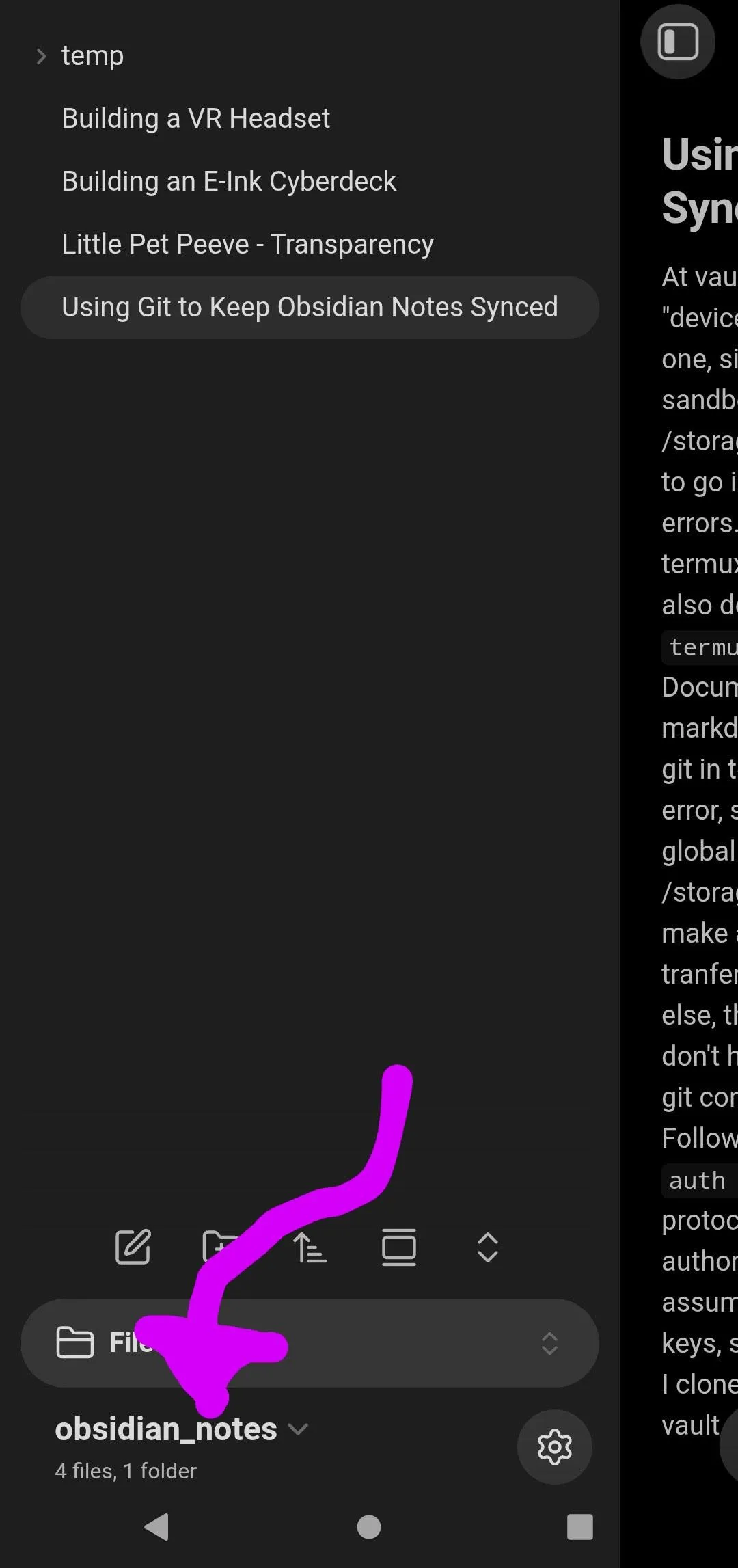
Then tapping"manage vaults":
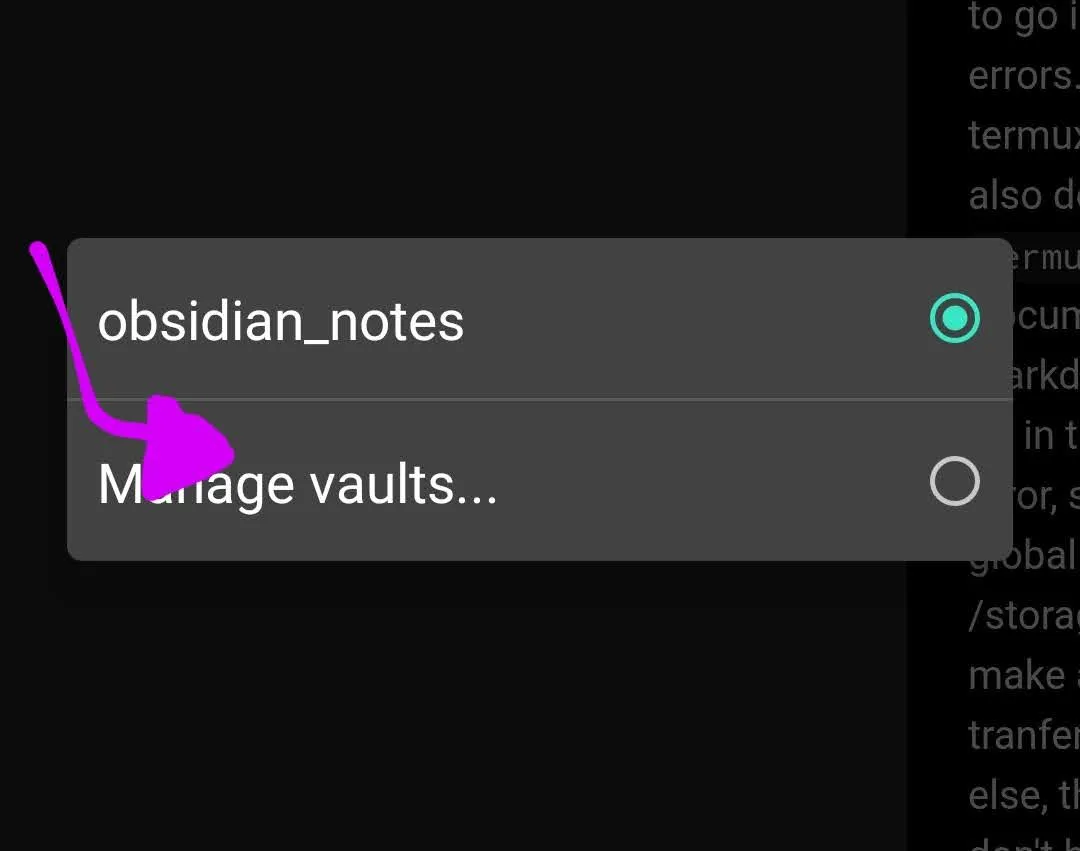 then tap the vault name in that menu.
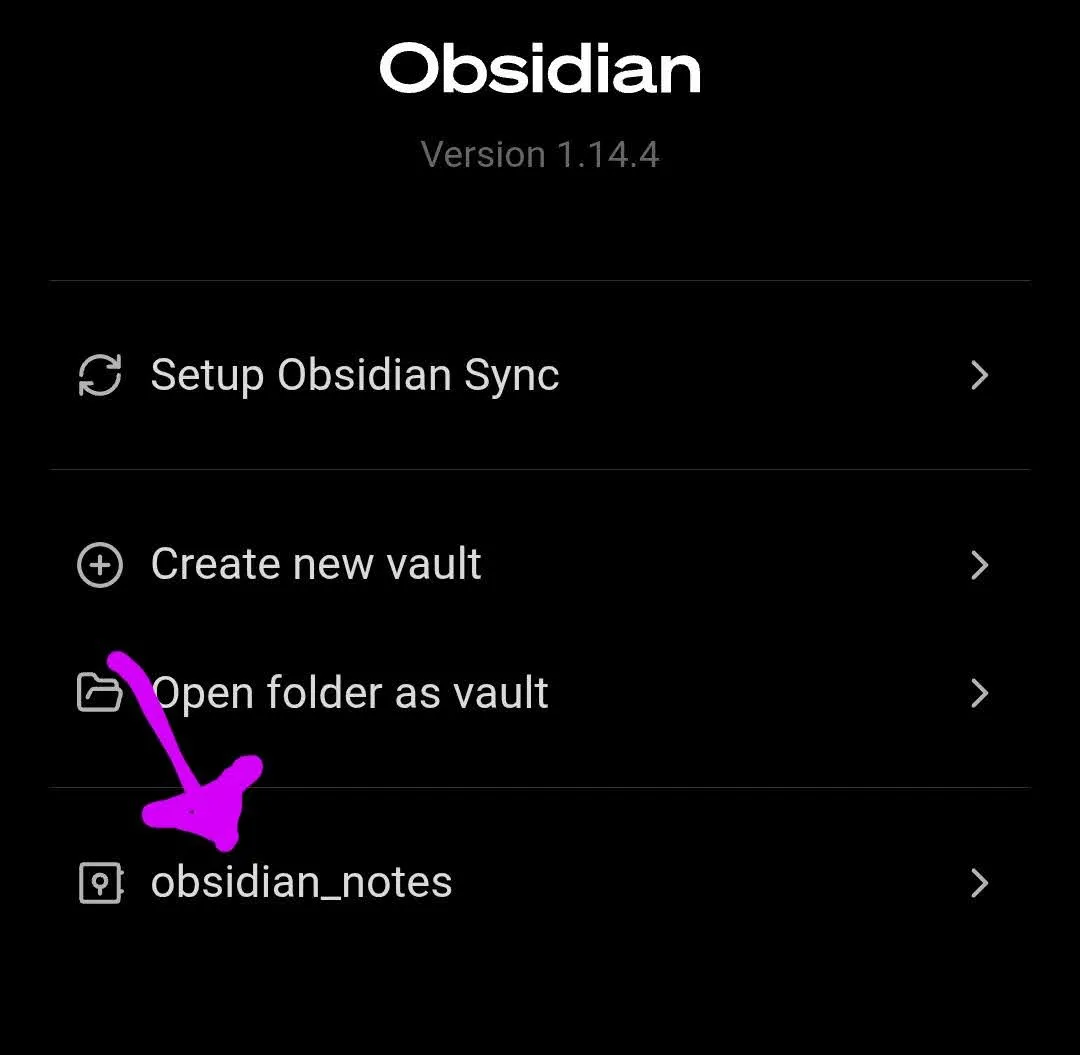 Then you'll see the location of the files in your phone storage.
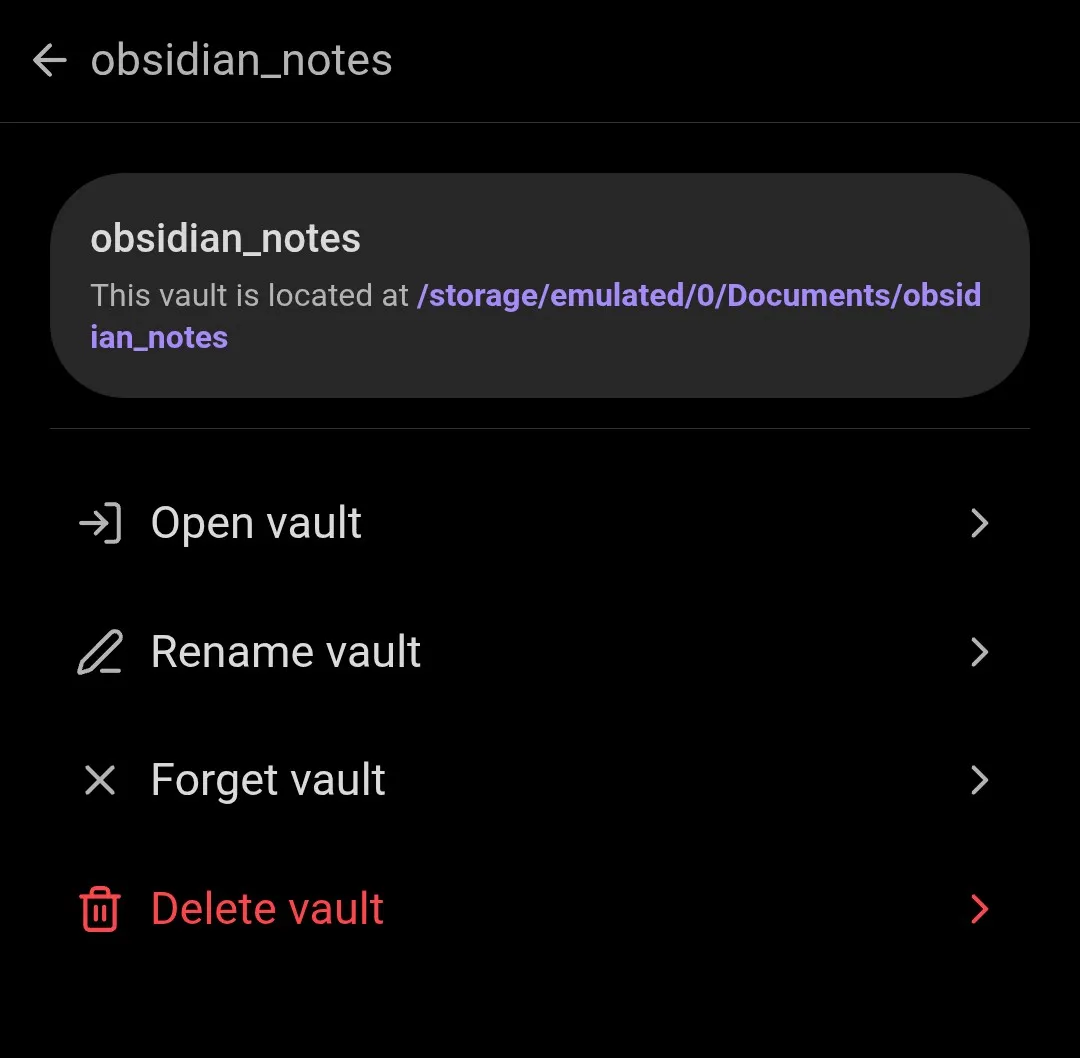
I tried to navigate to the directory using Termux, but got permission denied errors. I went into Android settings and explicitly give Termux filesystem permissions from there (you can also do this from the command line by running termux-setup-storage). Then I was able to access the Documents directory. I was able to open the Markdown file I used to draft this post in vim and write this sentence. I installed git in Termux, then ran git init. I get a dubious ownership error, so I did what the error suggests and ran git config --global --add safe.directory /storage/emulated/0/Documents/obsidian_notes. I made a .gitignore and added .obsidian (per Obsidan's docs, including it in your git repo it can really bork things), staged everything else, then tried to commit. But git didn't like that I didn't have my identity set up. So I ran the suggested git config commands to set my name and email. It's nice when error messages tell you exactly what you need to do to fix them.
Then I needed to actually push to GitHub. Following this advice I ran pkg install gh and gh auth login, selected HTTPS as my preferred protocol, and followed instructions to log in and authorize my device through the web browser. I'd assumed this step would involve a lot of generating and configuring keys, but this is much easier.
Then, after pushing to GitHub, I cloned the repo onto my local machine, openend it as a vault on Obsidian, and all my documents were there!
This still requires me to manually sync when I switch devices, but it works well enough for me. Maybe I'll figure that out another time.